







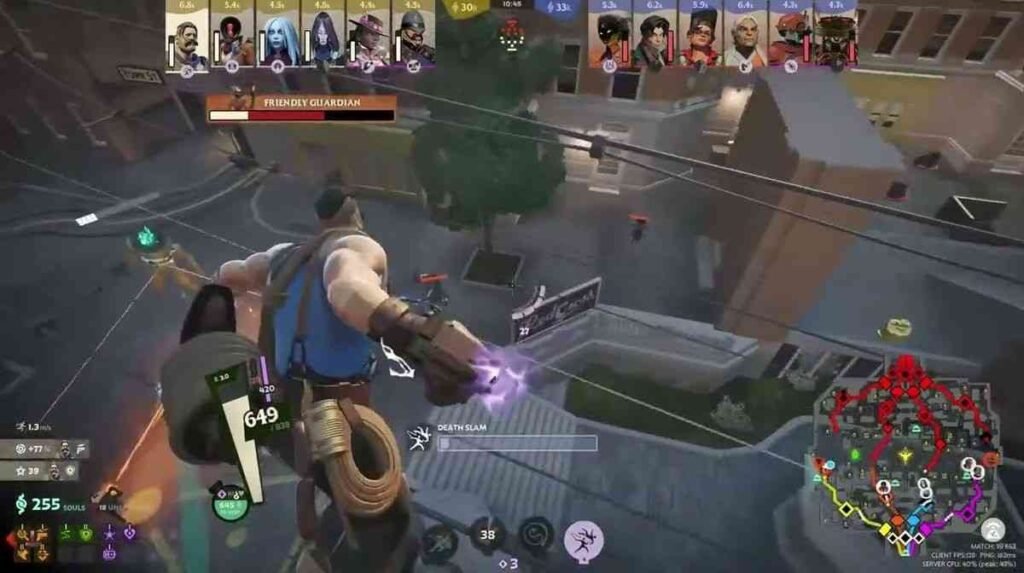
Deadlock is an upcoming game from Valve Corporation, 6v6 third-person shooter (TPP) game with MOBA mechanics. As of July 2026, the game is still in alpha testing mode, simply means you can’t play the game if you didn’t receive an invitation from the developers or an old player who already has access to Deadlock. As for now, the game is in invite-only mode for players. No matter if you want the invitation for yourself or you want to send the invite link to your friends so you homies can play together, the INVITATION IS MANDATORY to play Deadlock.
- Can You Play Deadlock for Free?
- How to Get Access to Deadlock?
- 1. Find Someone with Deadlock Access
- 2. Join the Deadlock Community If No One Owns the Game
- 3. Accept the Friend Request
- 4. Wait for the Deadlock Invite
- 5. Accept the Playtest Invite
- 6. Launch the Game
- How to Invite Someone to Deadlock?
- System Requirements to Play Deadlock
- Deadlock Invite & Access FAQs
Getting into Deadlock game is gonna take your 10-minutes for real, if you know the perfect place to ask for an invitation. All you need is a Steam friend who can send you a valid invitation link. And trust me I know the community where you can make some new friends. Once you are in the game, you can send invitations to your homies to kick out the enemies together.
Can You Play Deadlock for Free?
Yes, Deadlock is a free-to-play game like other Valve’s popular titles, Counter-Strike 2 and Dota 2. Anyone can play the game right now by accepting test server’s invite. However, Deadlock has an official Steam page, but the game isn’t publicly available yet. You won’t even see any download button there to access the game. Deadlock was first introduced to players in August 2024. Now it’s been 2 years, and deadlock lovers are expecting its final release by late 2026. Till now, the game isn’t supporting any microtransactions, meaning you can’t purchase in-game currency with your real money.
As you know the game is under development, still you can get currency to upgrade your characters. You can earn ‘souls’ (currency) by hitting lane troopers, eliminating enemy heroes, completing map objectives, and destroying breakables and statues.
How to Get Access to Deadlock?
I know you’re dying to get a Deadlock experience, and the hardest part is waiting for the invitation. The invite process can take 10 minutes or sometimes a few hours, and in worst cases, it can take 1 to 2 days just to receive a Steam notification to try the game. Here, I have mentioned the complete steps that you can follow to access the game:
1. Find Someone with Deadlock Access
One of the fastest method is having a real steam friend with deadlock access, so you don’t have to rely on the stranger. Open your steam account and check your Steam account’s friend list to see which one of your buddy owns the deadlock. If you find anyone, you can send them a direct message and ask’em to send you the invitation.
2. Join the Deadlock Community If No One Owns the Game
If you don’t find any friend who is playing Deadlock, you can ask a stranger to add you to their friend list. For this, the best platforms are Reddit and the Discord server. There are a few channels that are completely dedicated to the Deadlock game. In the community post, you can share your Steam friend code and wait until someone adds you.
3. Accept the Friend Request
Once someone sends you a request from the community, just accept the Steam friend request. Make sure your account is not classified as “limited,” which means you can’t receive the Deadlock invite if you have a limited account. If you have a limited account, you have to make a purchase of $5. You must spend $5 by adding funds to your Steam wallet or purchasing any game to get rid of a limited Steam account.
4. Wait for the Deadlock Invite
When you both become friends on Steam account, ask him to send you the invitation. He can invite you to play the game by clicking on the “Invite your friends” button from the Deadlock game’s main menu and selects you from his steam friend list. Once he successfully sends you the invite, the process typically takes a few hours or sometimes 1 to 2 days. Just keep your Steam notifications enabled.
5. Accept the Playtest Invite
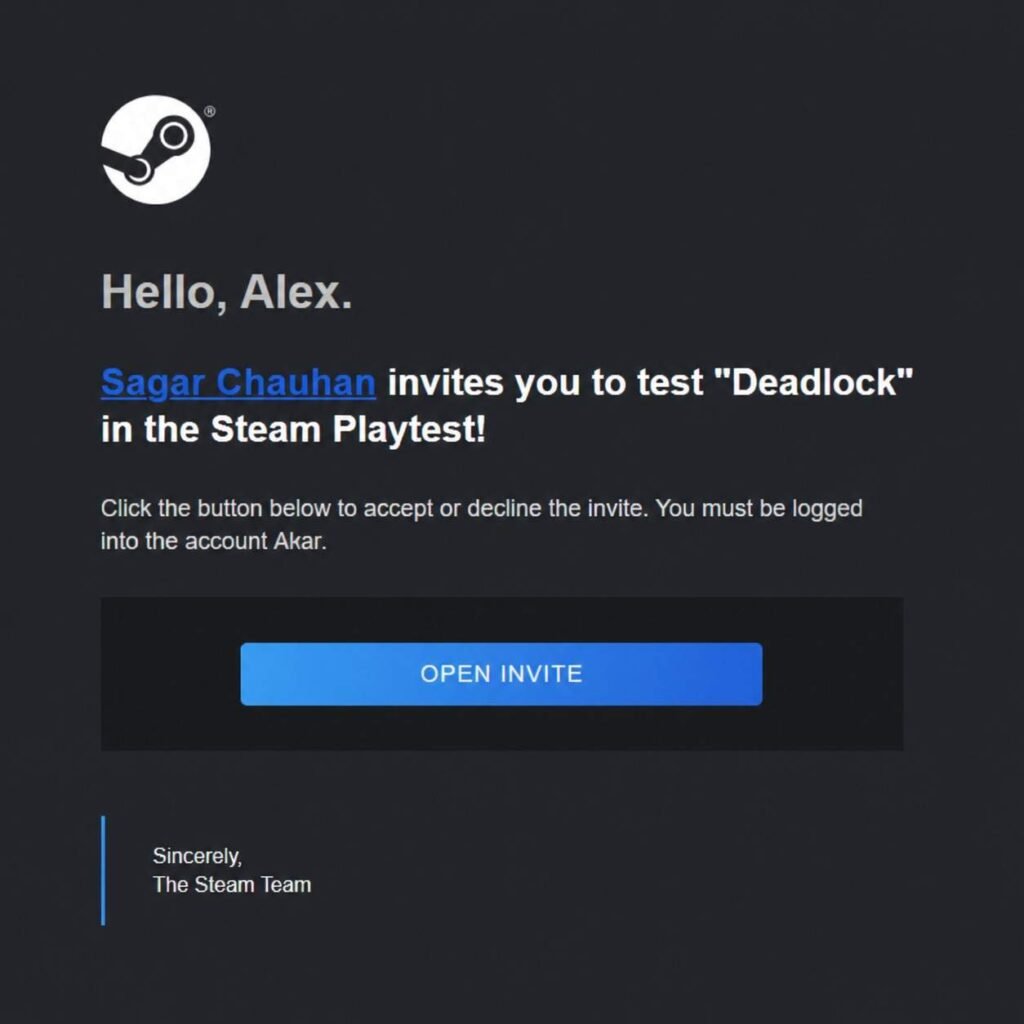
A Steam notification will appear in your account. Once you accept the Deadlock playtest invite, the game will appear in your Steam library. Open your Steam library, find the Deadlock game, and click on install.
6. Launch the Game
Now you can launch the Deadlock game from the Steam library. Start the first run, which includes a brief tutorial of movements, heroes, souls, items, and the curiosity shop. You can even play the sandbox mode so you can do some experiments with heroes and items.
How to Invite Someone to Deadlock?
Missed the chance of accepting the deadlock invite? That’s completely common. Surprisingly, the deadlock invite is still in the system waiting for you to hit the accept button. There’s no need to ask for another invite request. If you or your friend missed the invite request, follow this procedure:
- Check the Steam Notification: You need to check your Steam account’s notification area first, because playtest invites do not expire immediately. As I said, sometimes the invite is still waiting for you to take action. Now let’s open the notification panel of your steam account. First of all, Go to your Steam client and click on the green bell notification icon from the top-right corner.
If you can see the previous invite there, just simply click on the accept button to install the Deadlock game.
Now, when to resend the invitation? For this, we need to check the current status of our invitation process. Open the deadlock game’s main menu and click on the “Invite your friends”, and find your friend from the list. If steam says “Already Invited” or “Pending Request” it means you have to wait, steam is still processing it.
- Resend the Invitation: And if the “Invite” button reappears with your friend’s name, that means the first invitation request has failed or encountered a technical error. The system wants you to send the invite again.
System Requirements to Play Deadlock
Deadlock is still in development mode, so Steam hasn’t revealed the official system requirements yet. But there are already thousands of players enjoying the game in alpha-testing mode. As per players’ experience, your PC needs to meet these requirements:
Minimum Requirements:
- Operating System – Windows 10 (64-bit)
- Processor – Intel Core i5-3570K / i5-8600K or AMD Ryzen 3 1200 / Ryzen 5 2600
- Memory – 8 GB RAM
- Graphics – NVIDIA GeForce GTX 960 / GTX 1050 Ti or AMD Radeon R9 380 / RX 560
- Storage – 20-30 GB Available Space
Recommended Requirements:
- Operating System – Windows 10/11 (64-bit)
- Processor – Intel Core i7-10700E or AMD Ryzen 5000 series (or equivalent)
- Memory – 16 GB RAM
- Graphics – NVIDIA GeForce RTX 2080 / GTX 1070 or AMD Radeon RX 580 (with at least 6GB VRAM)
- Storage – 30 to 40 GB of free space
Deadlock Invite & Access FAQs
Deadlock invite typically takes a few hours, or sometimes it can show up in 1 to 2 days. You can only wait until you receive the invite notification to play Deadlock on your Steam account.
The Deadlock invite will appear in your Steam account’s notification area. It’s not a big deal to accept the invitation, open your Steam client, select the green bell notification icon from the top-right corner, and click on the accept to install Deadlock game on your PC.
Deadlock is a 6v6 multiplayer game, and you’re gonna enjoy it most when playing with your homies. The deadlock invite process is easier and straightforward. All you have to open the Deadlock game’s main menu, select the “Invite your friends”, and then click on the “Invite” button next to your friend’s name.